
Our Insights. (Part 8)
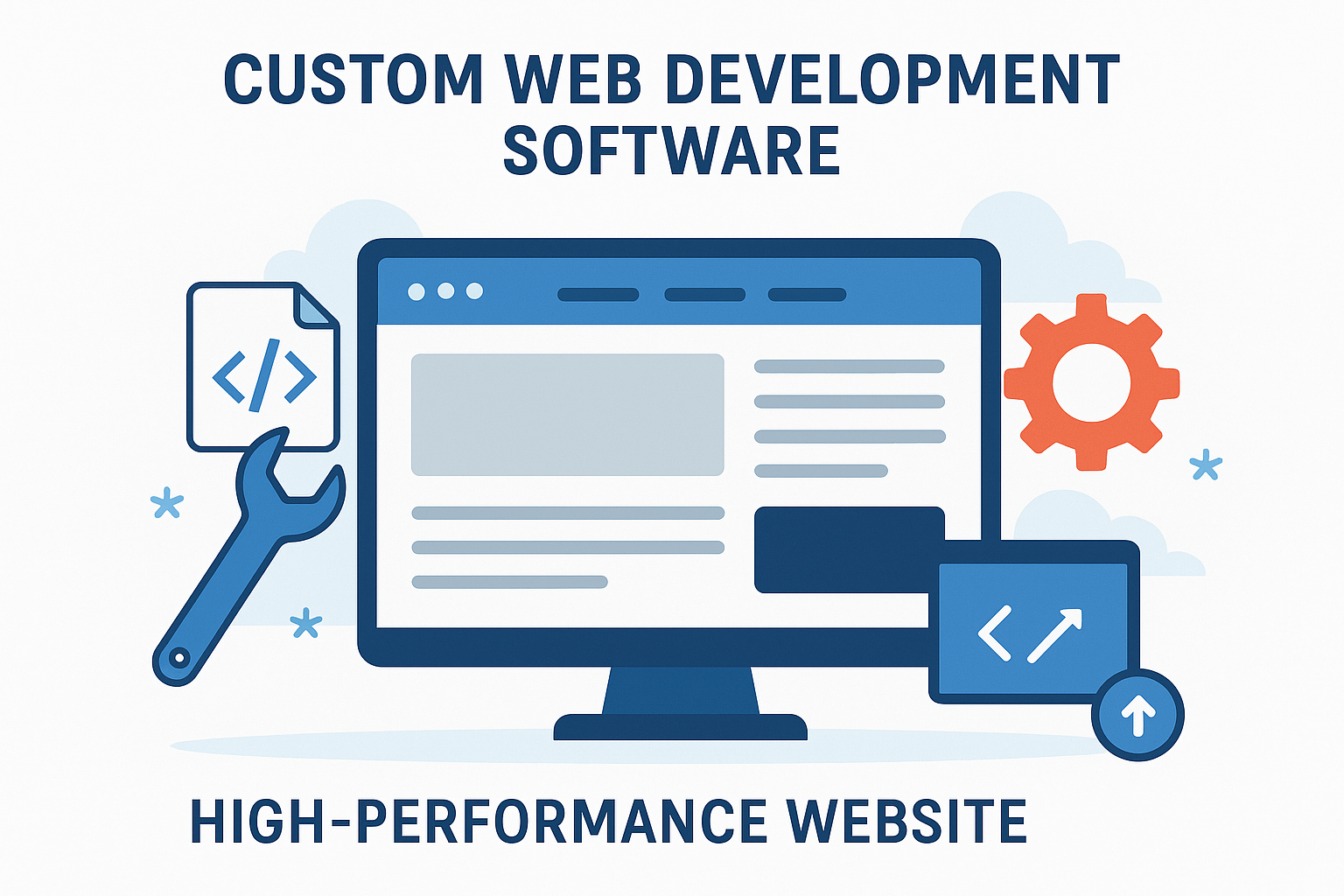
Nesia – The next Inspiration of Asia, a website is much more than just an online brochure. It is a complex software application that drives sales, manages data, and interacts with customers in real-time. While “drag-and-drop” website builders have become popular for hobbyists, serious businesses know that true success requires something more robust. This is where custom web development comes into play.
But have you ever wondered how professional developers build these unique, high-speed, and secure websites? They don’t just conjure them out of thin air. They use a sophisticated stack of specialized software tools. These tools are the “hammers and drills” of the digital world, allowing experts to craft bespoke solutions that off-the-shelf templates simply cannot match.
At Nesia Digital, we pride ourselves on mastering these advanced tools. Our digital works team leverages the best software in the industry to build digital experiences that are tailored specifically to your business goals. In this article, we will pull back the curtain and explore the essential custom web development software that powers the internet’s best websites.
1. The Foundation: Code Editors and IDEs
Every custom website starts with code. To write that code efficiently, developers use Code Editors or Integrated Development Environments (IDEs). These aren’t your standard text processors like Microsoft Word; they are powerful platforms designed to understand programming languages.
Visual Studio Code (VS Code) Currently the industry standard, VS Code is a favorite among professionals. It is lightweight, incredibly fast, and supports almost every programming language used in custom web development, from JavaScript to Python.
- Why it matters: It offers “IntelliSense,” which helps developers write code faster and with fewer errors by predicting what they want to type. This means we can build your site more efficiently.
Sublime Text Known for its speed and simplicity, Sublime Text is another popular choice. It allows developers to navigate through thousands of lines of code in milliseconds.
- Why it matters: When a developer needs to make quick, precise edits to a complex project, this tool ensures they can find and fix issues immediately.
2. Front-End Frameworks: Building the Visual Experience
When you visit a website, everything you see and interact with—the buttons, the animations, the layout—is called the “Front-End.” In the past, this was built from scratch every time. Today, we use powerful software frameworks to build interactive, app-like experiences.
React.js Created by Facebook (Meta), React is a JavaScript library used to build user interfaces. It allows developers to create reusable “components.” For example, instead of writing the code for a “Buy Now” button fifty times, we write it once and reuse it across the site.
- Why it matters: React makes websites feel incredibly fast. It updates only the parts of the page that change (like a shopping cart counter) without reloading the entire page.
Vue.js Vue is known for being approachable and versatile. It is excellent for building lightweight, high-performance interfaces that need to load quickly on mobile devices.
- Why it matters: For businesses that need a clean, fast-loading site without unnecessary bloat, Vue.js is often the tool of choice in custom web development.
Bootstrap and Tailwind CSS These are CSS (Cascading Style Sheets) frameworks. They provide a set of pre-designed tools to ensure a website is “responsive.”
- Why it matters: Responsive design means your website looks perfect on a massive desktop monitor and a tiny smartphone screen. These frameworks ensure consistency across all devices.
3. Back-End Technologies: The Engine Room
Behind every great interface is a powerful “Back-End.” This is the server-side software that manages the database, processes payments, and handles user logic. You don’t see it, but the website cannot function without it.
Node.js Node.js allows developers to use JavaScript on the server side. It is famous for being able to handle thousands of concurrent connections at once.
- Why it matters: If you are building a real-time application, like a chat app or a live dashboard, Node.js is essential for keeping data flowing instantly.
PHP Frameworks (Laravel) PHP powers a huge portion of the web. Laravel is a modern software framework for PHP that provides a robust structure for building complex web applications.
- Why it matters: It is highly secure and excellent for handling data-heavy applications, such as e-commerce stores or customer portals.
Python (Django) Python is a language known for its logic and security. Django is a high-level framework that encourages rapid development and clean design.
- Why it matters: It is frequently used by FinTech companies and scientific organizations where security and data integrity are the absolute highest priority.
4. Database Management Systems
Data is the lifeblood of modern business. Whether it’s customer profiles, product inventories, or transaction histories, this data must be stored securely and retrieved quickly. Custom web development requires specialized database software.
MySQL : This is the most popular relational database. It stores data in structured tables (rows and columns), similar to a very complex Excel sheet, but much more powerful.
- Why it matters: It is reliable, stable, and trusted by giant corporations. It ensures that your transaction data is accurate and organized.
MongoDB : This is a “NoSQL” database. Instead of tables, it stores data in flexible documents.
- Why it matters: It is incredibly scalable. If your business deals with unstructured data or needs to scale up very quickly (like a viral social media app), MongoDB handles the load beautifully.
5. Design and Prototyping Tools
Custom web development isn’t just about code; it’s about design strategy. Before a single line of code is written, the visual look and “flow” of the site are created using design software.
Figma : Figma has revolutionized web design. It is a cloud-based tool that allows designers and developers to collaborate in real-time.
- Why it matters: It allows you, the client, to see exactly what your website will look like before development begins. We can create interactive “prototypes” where you can click buttons and navigate menus to test the user experience (UX).
Adobe XD : Another powerful tool for vector-based design and wireframing. It helps in creating high-fidelity mockups that ensure the branding is pixel-perfect.
6. Version Control Systems (The Safety Net)
When a team of developers works on a complex custom web development project, they need a way to manage changes. What if two people edit the same file? What if a new feature breaks the site?
Git and GitHub/GitLab : Git is a version control system. It tracks every single change made to the code, who made it, and when. GitHub is a cloud platform where this code is stored.
Why it matters: It acts like a “time machine.” If a bug is introduced, we can instantly roll back the code to a previous version where everything worked perfectly. It ensures your project is safe, backed up, and history is never lost.
7. Testing and Debugging Tools
A professional custom site must be bug-free. We use specific software to test the site under various conditions.
- Chrome Developer Tools : Built directly into the Google Chrome browser, these tools allow us to inspect the code of any webpage live. We can test how the site loads on different network speeds (like 3G vs. 4G) and different screen sizes.
- Postman : This tool is used to test APIs (Application Programming Interfaces). If your website needs to talk to a payment gateway or a shipping provider, Postman helps us ensure the data is being sent and received correctly.
Why Professional Tools Matter for Your Business
You might be asking, “Why do I need to know about this software?”
The answer lies in quality and longevity.
When you hire a freelancer who uses a basic page builder, they are limited by the constraints of that tool. They are painting by numbers. But when you hire a team that masters the full suite of custom web development software, you are hiring architects and engineers.
Using professional software ensures:
- Security: We use frameworks with built-in security features to protect your customer data.
- Scalability: We build on robust databases and clean code, so your site doesn’t crash when your business grows.
- Speed: We use optimization tools to strip away bloat, ensuring your site loads instantly and ranks higher on Google.
Ownership: With proper version control (Git), you own a clean, professional codebase that any developer can work on in the future.
Conclusion: Build Your Digital Future with the Right Tools
The world of custom web development is vast and complex. It relies on a sophisticated ecosystem of software tools, from the text editors where code is written to the databases where information lives. These tools are the difference between a website that is a “digital expense” and a website that is a “digital asset.”
At Nesia Digital, we don’t just use these tools; we master them. We combine technical expertise with business strategy to build platforms that drive real growth. Whether you need a high-performance e-commerce store, a custom corporate portal, or a sleek marketing site, our team has the toolkit to make it happen.
Don’t settle for a template that limits your potential. Invest in a solution built with the precision and power of professional software.
Ready to see what professional development can do for your business?
Visit our Digital Works page today at Nesia Digital and let’s discuss how we can build your vision.
READY TO BRING YOUR IDEAS INTO REALITY?